Hype Check · Matt Wolfe
Worth your time?
How to Make Cool AI Video Transitions by Matt Wolfe
 Watch on YouTube
Hype score · lower is better
18/100
Useful / Authentic
Teaches a short, practical workflow for making AI-driven transitions with a demo and clear steps, not a hard sell.
Receipts
Why this score
- Scored from the transcript, summary, and output signals.
Title deliveredTitle promises making cool AI video transitions; the video gives a clear step-by-step workflow and an example that matches that promise.
Skip the video
The short version
Kept by Clip'd
This video shows a fast method to create convincing location-change transitions using AI-generated in-between frames. Film two matching shots (same shirt/pose), export the last frame of shot A and first frame of shot B, feed them into an AI video tool with a camera-motion prompt, then splice the generated transition between your real clips and hide the seam with a smooth cut or short crossfade.
Keep the lesson
What it teaches
- Bridge continuity with an interpolated in-between: match apparel, pose, and framing so an AI can plausibly generate a physical camera movement between two moments. Apply this when you need a short visual jump that must feel like one continuous motion. Don't use it when facial expressions or precise lip-sync are critica
- Prompt to constrain undesired output: include explicit directives (for example, 'The man does not speak') to stop the model from adding elements you don't want. Use this whenever the model has freedom to invent audio or actions. Avoid over-constraining descriptive camera motion if you want creative variation, because t
Jump straight there
Key moments
- 0:11Matching continuity: film yourself in the same shirt and hold the same pose to make the AI transition feel believable.
- 0:22Two key frames: capture Frame one (last frame of shot A) and Frame two (first frame of shot B) as the inputs for the AI interpolation.
- 0:34Tool choices named: use Runway, Leonardo, Kling, or any AI video tool that supports keyframes to generate the transition.
- 0:45Example prompt provided: a concrete prompt describing camera motion and the reveal helps steer the model's output.
- 0:51Preventing AI artifacts: explicitly instructing 'The man does not speak' avoids unwanted generated speech or gibberish.
- 1:01Editor tip: download the best AI-generated version, drop it between the two real clips, and use a smooth cut or short crossfade to hide seams.
Clip'd
Skip the video. Keep the lesson.
The Hype Board
More scored videos

61/100 · Hype heavyGemini 4 and Muse Wonder Are HUGE… But Claude DESTROYS ThemRiley Brown
34/100 · Useful but promotionalCopy This Grok Bot Prompt, It'll Blow Up Your X AccountJacob C. Edmunds
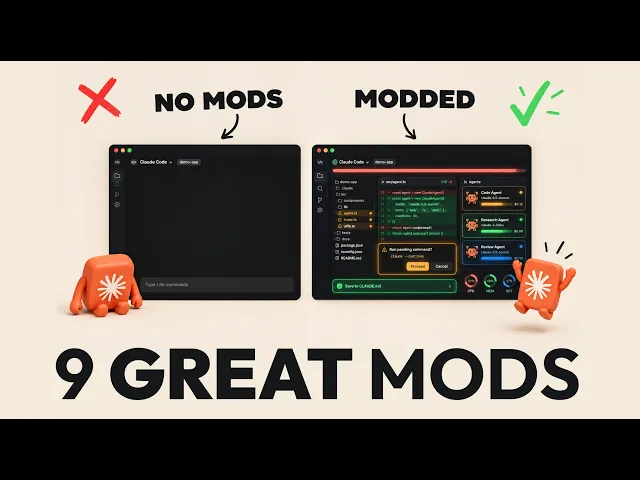
37/100 · Useful but promotional9 NEW Claude Mods that can truly change how you workJay E | RoboNuggets

47/100 · Useful but promotionalI built myself a GAME CHANGING app with Opus 5.5: It's not what you thinkClearmud
26/100 · Useful but promotionalI Built Another Andrej Karpathy Using ClaudeNate Herk | AI Automation

28/100 · Useful but promotionalyou need to try Paperclip RIGHT NOW!NetworkChuck