Worth your time?
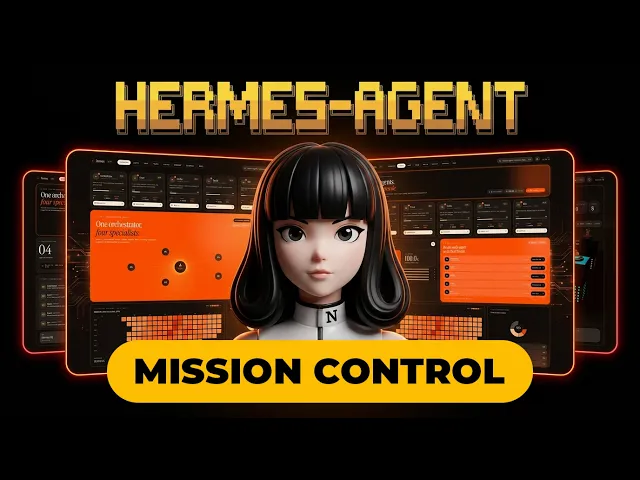
How to build a PREMIUM Hermes Agent Mission Control Dashboard 2.0 (Step-by-Step Guide) by Komputer Mechanic
 Watch on YouTube
Teaches, a detailed, hands-on step-by-step walkthrough that shows the full build and debugging, with only light sponsor/self-promo.
Why this score
- 12:20Mid-video sponsor read for Sudalis AI is explicit and paid, so the video includes a commercial break that raises pitch pressure even though the core tutorial continues.
- 0:41Host claims an installer will 'set up everything for you under 4 minutes' and later promises a <5 minute auto-installer, a strong performance claim presented with limited live demonstration, which raises claim inflation.
- 14:06Live SSH and one-line installer walkthroughs (copy/paste commands, account linking, model selection) show concrete steps and working outputs, which boosts substance and proof.
- 50:56The router plug-in debug cycle (finds crash, applies fix, restarts gateway, resets Telegram sessions) is shown end-to-end, demonstrating real troubleshooting and increasing usability of the instructions.
The short version
Larry builds a production-ready Hermes Agent Mission Control Dashboard that monitors a five-agent fleet (orchestrator, scout, scribe, reach, dev), links each agent to dedicated Telegram topics, logs agent activity to a lightweight SQL database, and serves a read-only web dashboard. The tutorial walks through VPS selection, Hermes installation, Telegram bot/topic routing (including a custom router plugin and the session-reset fix), wiring live server metrics into a dashboard template, and enabling remote access via SSH tunneling and Tailscale.
What it teaches
- Isolate agent context and minimize shared chat history. When you run multiple LLM agents, give each a persistent profile, dedicated memory, and separate topic/thread to avoid context bloat and token waste. Apply this when agents have distinct responsibilities (research, dev, writing); avoid it for tightly-coupled short
Key moments
- 0:10Live-data claim: Larry notes "nothing on the screen is fake," confirming every metric maps to a real database and server process.
- 1:44Office tab design: Presents the 3D city view where tower colors (orange/blue) immediately show agent idle vs active state.
- 7:03VPS recommendation: Advises dedicated VPS/PC for Hermes, recommending Racknet 4GB plan or Contabo cloud VPS 10 with concrete specs.
- 14:16Hermes installer tip: Use the Linux one-line curl installer (not Windows IRM), which auto-detects and installs dependencies.
- 16:48Telegram bot manual flow: Walkthrough creating a BotFather bot, copying the bot token, and adding the owner user ID for security.
- 23:13Model selection & cost tradeoff: Chooses OpenAI Codex via a ChatGPT Plus/Pro bind and sets default to GPT 5.5 to balance cost and tokens.
Skip the video. Keep the lesson.
More scored videos